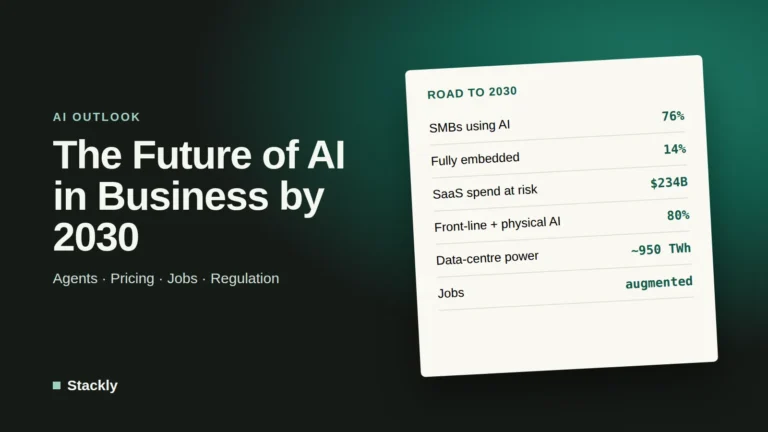
Most small businesses have already tried AI, but far fewer have turned it into better service. In a survey published in March 2026 by Goldman Sachs 10,000 Small Businesses Voices, 76% of owners said they use AI, but only 14% said it is fully embedded in their core operations. The gap is not about access to tools. It is about knowing where to start, how to test safely, and how to prove that something works. This guide walks through a practical eight-step process for applying AI to your business so you can speed up service, reduce repetitive work, and avoid expensive experiments that go nowhere.
Tool names, prices, and regulations change often. Check each vendor’s pricing page and your local rules before committing.
Why Most AI Projects Stall
The data on returns is sobering. PwC’s 29th Global CEO Survey, which covered 4,454 chief executives, found that 56% had seen neither higher revenue nor lower costs from AI in the previous 12 months, and only 12% had seen both. Isolated, tactical AI projects rarely deliver measurable value.
Small businesses face the same pattern in a different form. In the Goldman Sachs survey, 73% of owners said they would benefit from more training and implementation resources, and common barriers to deeper adoption include lack of technical expertise, difficulty choosing tools, and data privacy concerns.
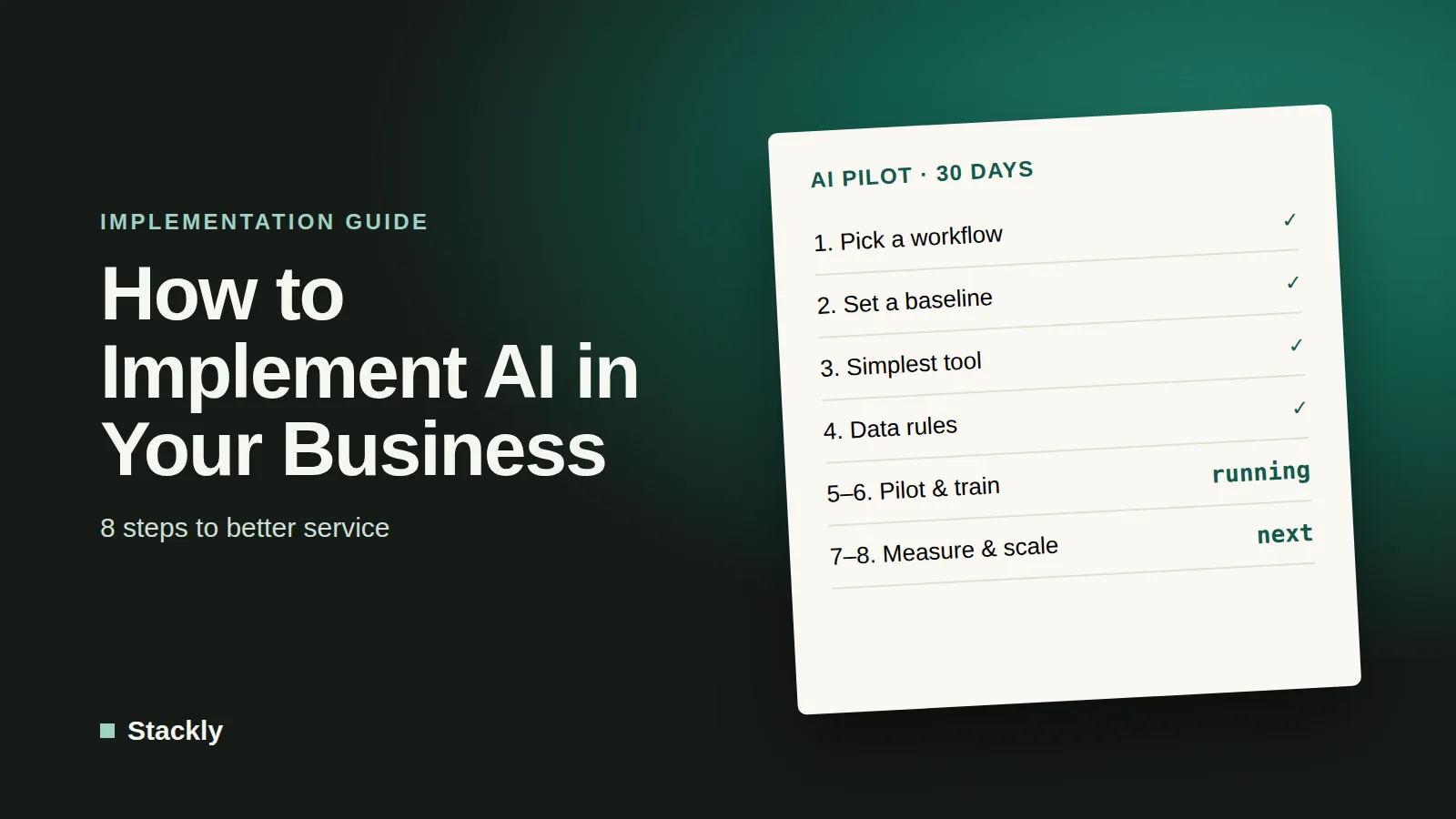
The fix is not a bigger budget. It is a repeatable process: choose one problem, measure it, test a simple solution, and expand only what works. The eight steps below follow that logic.
Step 1: Find Where Your Service Loses Time or Money
Start with problems, not tools. Walk through the journey of a typical customer and a typical week of your team, and list every task that is repetitive, slow, error-prone, or dependent on one person’s memory. Then rate each candidate on four questions:
How often does it happen? Daily tasks beat quarterly ones.
How much time or money does it cost? Estimate hours per week.
How risky is a mistake? A wrong social media caption is different from a wrong invoice.
Is the information available digitally? AI works best when it has text, data, or documents to work from.
The table below shows common starting points by area of the business. Treat it as a menu of ideas, not a prescription.
Business area
Typical AI use
Risk level
Where to learn more
Customer service
Drafting replies to common questions, website chat assistant
Pick one task from this exercise, ideally frequent, time-consuming, and low risk. That is your pilot.
Step 2: Set a Baseline Before You Change Anything
This is the step most businesses skip, and it is the reason many cannot say whether AI helped. Before using any tool, record how the task works today:
How many hours per week does it take, and who does it?
How long do customers wait for a response or delivery?
How many errors or corrections occur?
What does the task cost, counting staff time at a realistic hourly rate?
A simple spreadsheet is enough. Track the numbers for two to four weeks if you can. Without a baseline, any result you report later is a guess. With one, you can show exactly what changed and decide whether to continue.
Step 3: Choose the Simplest Tool That Works
Resist the urge to buy something new. Many businesses already pay for AI features without using them, so check these first:
Your existing software. Email, accounting, CRM, and website platforms increasingly include summarizing, drafting, and categorizing features at no extra cost.
A specialized tool. Only when the first two options fall short, look at dedicated products such as chatbots, AI agents, or workflow automation platforms. Our list of the best AI tools for small business is a good starting point.
When comparing options, ask four questions: Does it connect to the tools we already use? What does it cost for the number of people who need it? Where is our data stored, and is it used for training? Can we export our work and leave if needed?
Be wary of hype. Gartner has warned about “agent washing,” where vendors rebrand ordinary chatbots or automation as AI agents, so test with your own real examples before believing any demo.
Step 4: Set Data and Quality Rules Before You Launch
A few rules written in advance prevent most AI mishaps. Keep them short enough that people will actually read them:
Data rules. Decide what may never be pasted into an AI tool, such as passwords, payment details, health information, or confidential contracts. Review privacy settings and, if a team shares client data, consider a business-tier plan, which typically offers stronger data protections than personal plans. Secure the accounts connected to AI tools using our website security checklist and a business password manager.
Review rules. Specify which outputs need a human check before going out. A sensible default: anything sent to a customer, involving money, or making a legal or medical claim.
Privacy law. If you serve customers in Europe, sharing personal data with AI services raises GDPR questions. Check the vendor’s data processing terms.
Step 5: Run a Small, Time-Boxed Pilot
A pilot is a deliberately small test with a clear end date. A good format for a small business:
Scope: one workflow, such as drafting replies to the ten most common customer questions.
People: two or three team members who are open to the idea, plus one person who owns the result.
Duration: around 30 days, long enough to see normal and busy weeks.
Success criteria: written down in advance, tied to your baseline. For example, “reduce average first-response time” or “cut weekly drafting time.”
Weekly check-in: fifteen minutes to share what worked, what failed, and what needs to change.
Keep a log of problems: wrong answers, awkward tone, tasks the AI could not handle. These notes are as valuable as the successes because they tell you where human review must stay.
Step 6: Train the People Using It
Tools do not create value; habits do. A short training session often makes the difference between a pilot that fizzles and one that sticks. Cover three things:
How to give good instructions. Context, audience, format, and examples produce far better output than vague requests. Both OpenAI and Anthropic publish prompting guidance, summarized in our ChatGPT and Claude guides.
How to check the work. AI can produce confident but wrong answers, so teach staff to verify names, numbers, dates, and claims.
When not to use it. Make it normal to say “this one needs a human.”
Frame AI as help with the boring parts of the job, not a threat. In the Goldman survey, 87% of small business owners said AI augments rather than replaces employees, and clear communication about that intention helps adoption.
Step 7: Measure the Return
At the end of the pilot, compare results against your baseline. The core formula is straightforward:
Annual value = hours saved per week × hourly cost of the people involved × 52
Then subtract what the tool costs and the time spent reviewing AI output. Here is a hypothetical example for a small bookkeeping firm:
Drafting client follow-ups and summaries took 10 hours per week before the pilot.
With AI, drafting takes 5 hours and review takes 1 hour, so net time saved is 4 hours per week.
At a fully loaded cost of $45 per hour, that is 4 × $45 × 52 = $9,360 per year.
Three team members on a $25 per month plan cost $900 per year.
Net benefit: about $8,460 per year, before counting faster response times or happier clients.
Do not ignore non-financial results. Faster replies, fewer errors, and more consistent quality matter, and so does revenue: if freed time lets you take on more clients, count that too. Be honest about disappointments as well. A pilot that shows no gain is still a success if it saves you from rolling out the wrong tool.
Step 8: Scale What Works, Stop What Does Not
Use your results to make a simple decision:
Clear gain: document the workflow (the instructions, rules, and review steps), roll it out to the rest of the team, and move on to the next task from your list.
Mixed results: adjust one variable, such as the tool, the instructions, or the scope, and run a shorter second pilot.
No gain: stop, note what you learned, and try a different workflow.
Expand one step at a time. Businesses that try to automate everything at once usually end up with scattered tools and no clear evidence of value. Those that build a library of proven workflows, each with an owner and a measured result, gradually move from experimenting to operating with AI. For a look at where this is heading, see our outlook on the future of AI in business.
Common Mistakes to Avoid
Starting with the tool instead of the problem. Shiny software without a defined use case rarely pays off.
Skipping the baseline. You cannot prove improvement without a starting point.
Automating a broken process. If the workflow is confusing, AI will make the confusion faster. Simplify first.
Removing human review too early. Keep a person in the loop for anything customer-facing or financial until results are consistently reliable.
Ignoring data protection. One careless paste of client data can create legal and reputational problems.
Paying for overlapping tools. Check what your current software already includes.
Expecting instant results. Adoption takes weeks of adjustment, so judge the pilot over its full duration.
Frequently Asked Questions
How do I start using AI in my business?
Pick one repetitive, low-risk task, measure how long it takes today, and test an AI tool on it for about 30 days with a small group. Compare the results to your starting numbers before deciding whether to expand. Starting small keeps costs and risks low.
How much does it cost to implement AI in a small business?
It depends on the approach. Many businesses start with features already included in software they pay for, or with a general-purpose assistant on a plan costing around $20 to $25 per user per month. Custom-built systems cost far more and are rarely necessary for a first project. Always confirm current prices on the vendor’s pricing page.
Do I need technical staff to use AI?
Not for most first projects. Today’s tools work with plain-language instructions, and many connect to existing software without code. What you do need is someone who owns the project, understands the process being improved, and checks the output.
Is it safe to use customer data with AI tools?
It can be, but only with care. Read the vendor’s privacy and data-use terms, avoid sharing sensitive information in personal accounts, and consider business plans with stronger protections if you handle client data. If you serve European customers, check GDPR requirements.
How do I know if AI is actually working?
Compare against the baseline you recorded before the pilot: time spent, response times, error rates, cost, and customer feedback. If the numbers have not improved after a fair test, change the approach or stop. Measuring results is what separates the minority of businesses that see financial returns from those that do not.
The Bottom Line
Applying AI to your business is less about picking the perfect tool and more about following a disciplined process: find a real problem, measure it, test a simple solution with clear rules, train your people, and expand only what proves its value. The evidence from both small businesses and large companies is the same: using AI is easy, but getting measurable results takes focus. Start with one workflow this month, and let the numbers guide what comes next.

Leave a Reply