AI agents are the biggest shift in business software since the arrival of ChatGPT. Instead of answering one question at a time, an agent can take a goal, such as “chase every unpaid invoice older than 30 days” or “prepare a briefing before each sales call”, and work through the steps on its own, using the apps you already have. The big tech companies are racing to put agents in front of small businesses: Microsoft includes pre-built agents in Copilot, OpenAI and Anthropic have turned their assistants into agents that complete multi-step work, and on September 29, 2026, Meta began offering its Muse agent to small businesses for free. This guide explains what AI agents really are, which ones are worth trying, what they cost, how to build your first one, and the risks you should plan for.
Tools, features, and prices in this guide were checked against official sources in late September 2026. Agent products are changing quickly, so confirm details on each vendor’s website before you subscribe.
What Is an AI Agent?
An AI agent is software that uses a large language model to plan and carry out a series of actions toward a goal, with limited human input. It can read information, make decisions within rules you set, and take actions in other apps, such as sending an email, updating a spreadsheet, or creating a task.
It helps to compare agents with the tools most small businesses already use:
Chatbot or AI assistant
Traditional automation
AI agent
How it works
Answers questions you ask
Follows fixed “if this, then that” rules
Works toward a goal and decides the steps
Handles messy input
Yes
No
Yes
Takes actions in other apps
Limited
Yes
Yes
Needs a human for each step
Yes
No
Only for approvals you choose
Example
Drafting an email when asked
Copying form entries into a spreadsheet
Reading new inquiries, qualifying them, and booking calls with the best leads
In practice, most useful business agents sit somewhere in the middle. They do the repetitive thinking and clicking, and they pause for a human to approve anything important, such as sending a quote or issuing a refund.
Why AI Agents Matter for Small Businesses Right Now
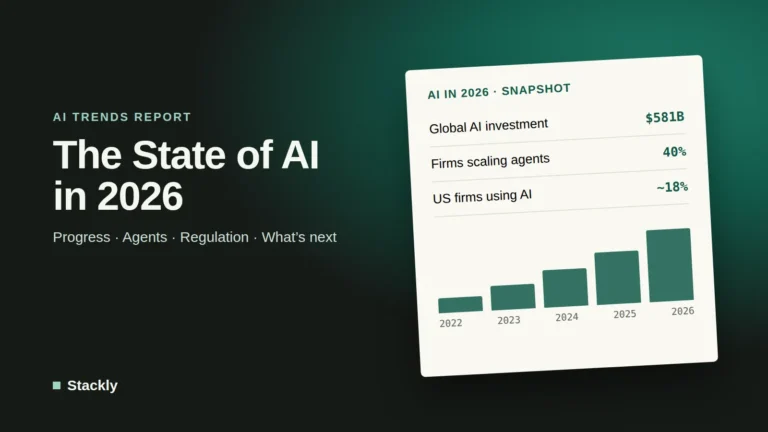
Large companies are moving fast. McKinsey’s 2026 State of AI survey found that 40% of large enterprises are now scaling AI agents, up from 27% a year earlier, while smaller organizations stayed flat at 22%. Among all US businesses, the Census Bureau reports that only around 17% to 20% use AI at all, with the smallest firms lagging furthest behind.
That gap is an opportunity. Agents are now built into affordable tools that small businesses already pay for, and many of the most valuable jobs, such as follow-ups, reminders, reporting, and first-line customer support, are exactly the repetitive tasks that eat into a small team’s week.
The Main AI Agent Platforms for Small Businesses
Platform
What its agents do
Starting price
Best for
Meta Muse
Uses your Facebook, Instagram, and ad data to help run marketing and answer customer questions
Free version with usage limits
Businesses that sell through Instagram and Facebook
ChatGPT Work
Researches, analyzes, and creates documents, spreadsheets, and presentations; runs scheduled tasks through connected apps
Included in ChatGPT Plus ($20/month) and higher
General office and research work
Claude Cowork
Handles multi-step tasks across files and connected apps, with the Claude in Chrome extension for browser tasks
Included in Claude Pro ($20/month) and higher
Document-heavy work, research, and admin
Microsoft 365 Copilot Business
Pre-built Researcher and Analyst agents, plus custom agents built with Agent Builder
$21 per user/month add-on ($18 promotional rate through 2026)
Teams already on Microsoft 365
Zapier Agents
Agents that act across thousands of connected apps, triggered by events or schedules
Free (400 activities/month); Pro $33.33/month billed annually
Custom workflows across many apps
Notion Agent
Works inside your Notion docs and databases, updating pages and summarizing meetings
Notion Business, $20 per member/month
Teams that run their business in Notion
Tidio Lyro
Answers customer questions on your website using your own content
Meta’s new agent is designed specifically for small business owners. According to TechCrunch, Muse understands what a business sells, its brand voice, and common customer questions, and it connects to Instagram analytics, Facebook Pages, and Meta ad accounts, as well as tools such as Shopify, QuickBooks, Stripe, Canva, Slack, and Zoom. A free version launched on September 29, 2026, with paid tiers for heavier use. If most of your customers find you through Instagram or Facebook, it is worth testing.
ChatGPT Work and Claude Cowork
Both leading AI assistants have evolved into agents. ChatGPT Work handles longer, multi-step projects, such as researching competitors and producing a report or spreadsheet, and can run scheduled or event-triggered tasks through connected apps like Gmail and Slack. Claude’s Cowork works on multi-step tasks across your files and connected tools, and pairs with the Claude in Chrome extension for tasks inside web pages. Our guides to ChatGPT’s models and plans, Claude’s models and plans, and our ChatGPT vs Claude comparison explain the differences in detail.
Microsoft 365 Copilot
If your business runs on Outlook, Word, Excel, and Teams, Copilot is the most natural starting point. The Copilot Business add-on includes pre-built agents such as Researcher and Analyst, and tools to build your own agents without code. A free Copilot Chat option is also available with eligible Microsoft 365 plans.
Zapier Agents
Zapier is the most flexible option for connecting agents to many different apps. You describe what the agent should do in plain language, give it access to the apps it needs, and set when it should run. The free tier allows up to 400 activities a month, which is plenty for testing. Our guide to AI productivity apps and automation explains how Zapier fits into a wider workflow.
10 Practical AI Agent Use Cases for Small Businesses
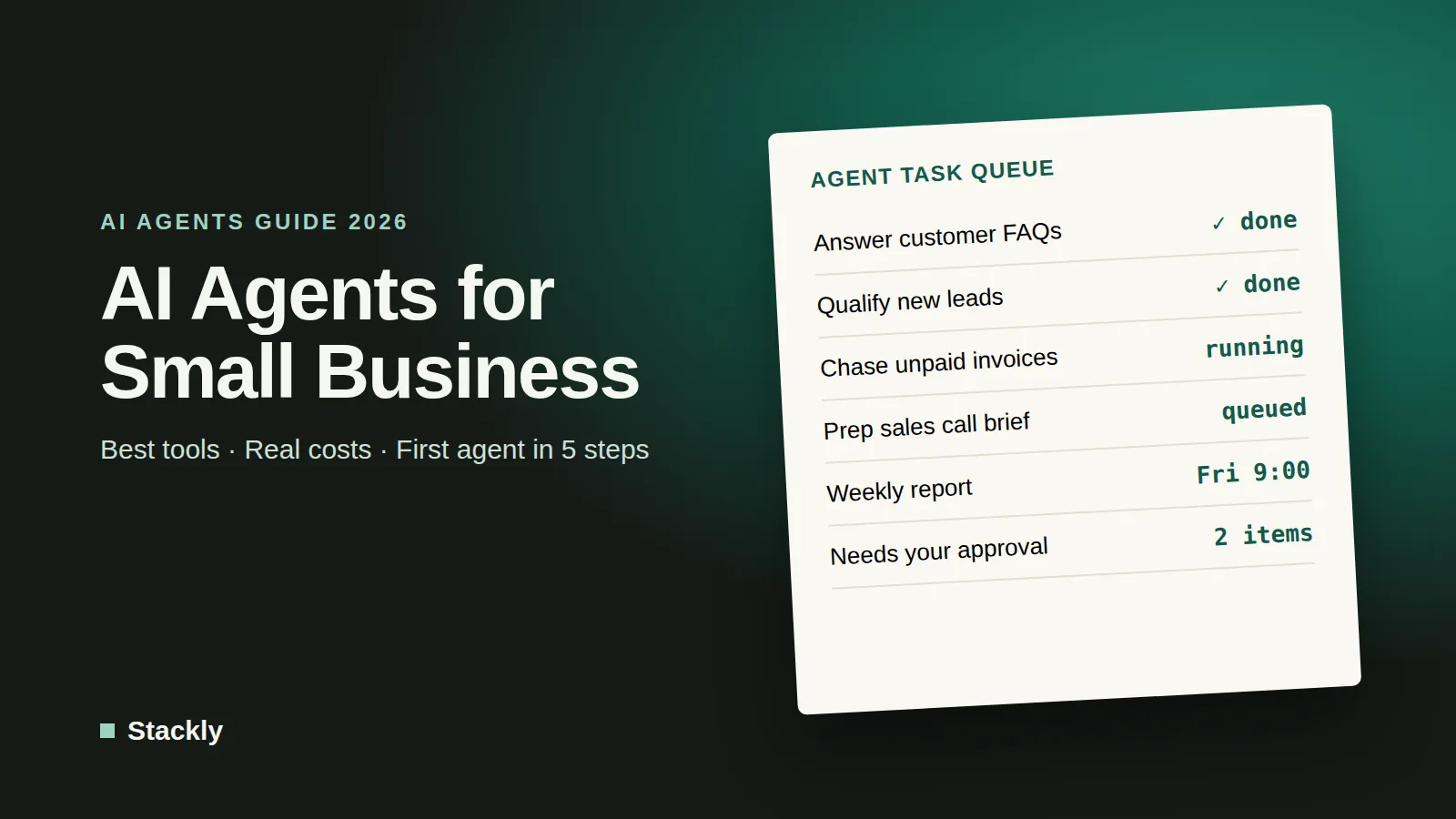
These are the jobs where agents deliver value fastest, roughly in order of how easy they are to set up:
Customer question answering. An agent answers common questions about prices, opening hours, delivery, and returns from your own website content, and hands complex cases to a person. See our guide to AI chatbots for customer service.
Lead qualification. New form submissions are read, scored against your criteria, added to your CRM, and the best leads receive a booking link.
Invoice follow-up. Unpaid invoices trigger polite, escalating reminders, with a human approving the final notice. This works well alongside the accounting software you already use.
Meeting preparation. Before each call, the agent compiles notes on the client, past emails, and open tasks into a one-page briefing.
Meeting follow-up. After calls, it turns the transcript into a summary, action items, and draft follow-up emails.
Weekly reporting. Every Friday, the agent pulls figures from your sales, website, and ad accounts into a short summary.
Competitor monitoring. It checks competitors’ websites and social accounts for price changes, new products, or promotions.
Content repurposing. One blog post becomes a newsletter, several social media posts, and a short video script, drafted in your brand voice.
Client onboarding. New clients automatically receive welcome emails, intake forms, and a checklist, and their details are added to your systems.
Inbox triage. Incoming emails are sorted, labeled, and summarized, with draft replies prepared for routine messages.
How Much Do AI Agents Cost?
For most small businesses, getting started costs little or nothing. Many agents are included in subscriptions you may already have, such as ChatGPT Plus, Claude Pro, Microsoft 365 with Copilot, or Notion Business. Dedicated agent platforms usually offer free tiers for testing, then charge monthly based on how many actions, conversations, or “activities” the agent performs.
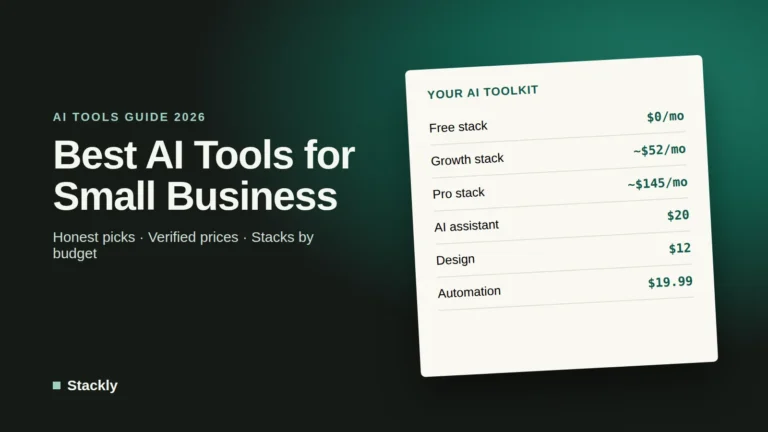
A realistic budget for a small business running two or three agents is between $0 and $100 per month. The bigger cost is time: expect to spend a few hours designing, testing, and adjusting each agent before you trust it. Watch out for usage-based pricing, which can climb quickly if an agent runs more often than you expected, and check what counts as a billable action before you scale up.
How to Build Your First AI Agent in 5 Steps
Step 1: Pick One Narrow, Repetitive Job
Choose a task that happens often, follows a similar pattern each time, and has a clear definition of “done”. Invoice reminders, lead qualification, and meeting summaries are good first projects. Avoid anything involving legal commitments, large payments, or sensitive complaints.
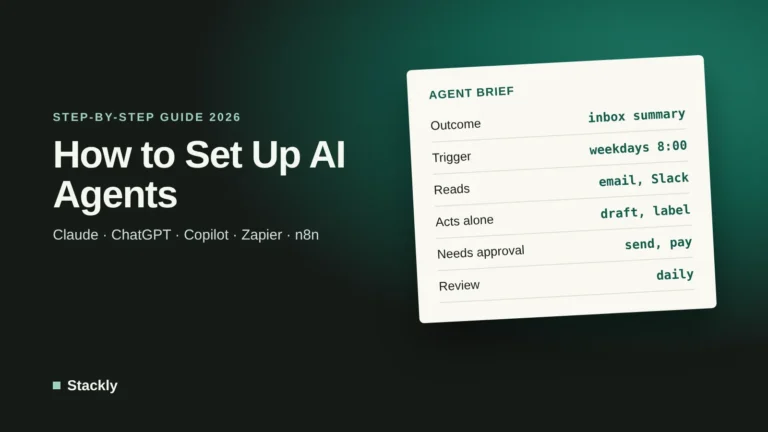
Step 2: Write the Instructions Like a Job Description
Describe the goal, the information the agent can use, the steps it should follow, the tone it should use, and exactly when it must stop and ask a human. For example: “Every Monday, find invoices unpaid for more than 30 days. Draft a friendly reminder for each client. Do not send reminders to clients tagged ‘VIP’; list them for me instead.”
Step 3: Connect Only the Apps It Needs
Give the agent access to the minimum set of apps and permissions required. An invoice agent needs your accounting software and email, not your whole file storage.
Step 4: Test With Approval Turned On
Run the agent in a mode where it drafts actions but waits for your approval. Check its work for a week or two, fix its instructions when it makes mistakes, and only then let it act automatically on low-risk steps.
Step 5: Measure and Expand
Track the time saved and any errors. Once the first agent runs reliably, move on to the next job on your list.
Risks and Limitations You Should Plan For
Agents are powerful, but they are not magic, and the hype is running ahead of reality. Gartner predicts that more than 40% of agentic AI projects will be canceled by the end of 2027 because of rising costs, unclear business value, or weak risk controls. It also warns about “agent washing”, where vendors rebrand ordinary chatbots or automation tools as agents.
Mistakes and liability. Agents can misunderstand instructions or state incorrect information with confidence. Your business remains responsible for what they do: in a widely reported case, a Canadian tribunal held Air Canada liable for incorrect information given by its chatbot.
Security. Because agents can act in your accounts, a compromised or tricked agent can do real damage. Websites and emails can contain hidden instructions designed to manipulate AI agents, a technique known as prompt injection. OpenAI itself notes that its safeguards reduce but do not eliminate these risks. Use strong passwords and multi-factor authentication, limit permissions, and follow our website security checklist.
Privacy. Agents often process customer data. Check where each provider stores data, whether it is used for model training, and how the tool complies with privacy laws such as GDPR.
Honest communication. Tell customers when they are dealing with an automated system, and always offer an easy way to reach a person. Regulators such as the US Federal Trade Commission have published business guidance on AI warning against misleading claims.
Which AI Agent Should You Start With?
If your business…
Start with
Sells mainly through Instagram or Facebook
Meta Muse (free)
Runs on Microsoft 365
Microsoft 365 Copilot Business
Already pays for ChatGPT or Claude
ChatGPT Work or Claude Cowork
Uses many different apps
Zapier Agents (free tier)
Gets lots of repetitive customer questions
Tidio Lyro or another customer service agent
Organizes everything in Notion
Notion Agent
For a wider look at where this technology is heading, read our overview of the state of AI in 2026.
There is no single best agent. The right choice depends on the tools you already use: Microsoft 365 Copilot for Microsoft-based businesses, ChatGPT Work or Claude Cowork if you already pay for one of those assistants, Zapier Agents for connecting many apps, and Meta Muse if your customers find you on Instagram and Facebook.
How much does an AI agent cost?
Many agents are free to try or included in subscriptions you may already have, such as ChatGPT Plus or Claude Pro at $20 per month. Dedicated agent tools typically cost between $20 and $50 per month to start, with usage-based charges as they do more work.
How are small businesses using AI agents?
The most common uses are answering customer questions, qualifying leads, following up on invoices, preparing for and summarizing meetings, producing weekly reports, and repurposing content across channels.
What is the difference between an AI agent and a chatbot?
A chatbot responds to questions in a conversation. An AI agent works toward a goal, decides the steps, and takes actions in other apps, such as updating your CRM or sending emails, often with only occasional human approval.
Are AI agents safe to use?
They can be, with the right safeguards. Give agents only the permissions they need, require human approval for important actions, protect connected accounts with multi-factor authentication, and review what the agent does regularly.
The Bottom Line
AI agents can take real work off a small team’s plate, but the businesses that benefit most start small and stay in control. Choose one repetitive job, use an agent built into tools you already own, keep a human approval step for anything important, and expand only once it works reliably. Done this way, agents are less about replacing people and more about giving a small business the capacity of a much larger one.
Leave a Reply