Customers expect answers when it suits them, whether that is at lunchtime, late at night, or on a Sunday, and most small businesses cannot staff a support desk around the clock. AI chatbots have become a realistic way to close that gap, handling routine questions instantly and passing complex ones to a person. This guide explains the difference between rule-based and generative AI chatbots, the benefits you can realistically expect, how small businesses are using them today, what implementation actually costs, and the limitations you should plan for before adding a chatbot to your website.
What an AI Chatbot Actually Does
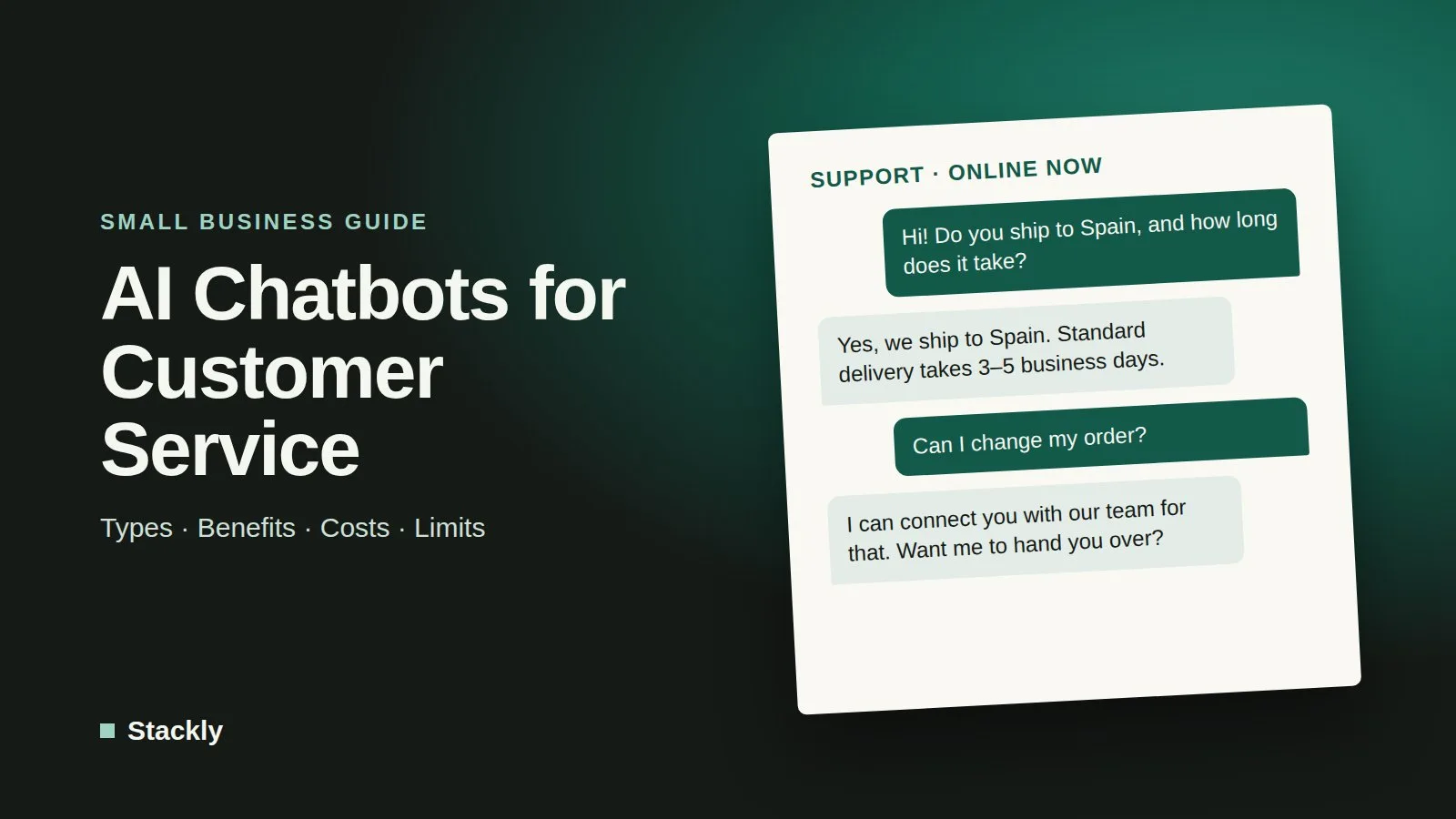
A customer service chatbot is software that holds a text conversation with visitors, usually through a chat window on your website, and sometimes through messaging apps or social media inboxes. Its job is to understand what the customer is asking, provide an answer or complete a simple task, and hand the conversation to a human when it cannot help.
Chatbots have existed for years, but early versions were rigid and often frustrating. What changed is the arrival of large language models, the same technology behind tools such as ChatGPT, Claude, and Gemini. These models understand everyday phrasing, typos, and follow-up questions far better than older systems, which makes chatbots practical for businesses that could never justify a custom-built solution.
Rule-Based vs Generative AI Chatbots
The most important decision is which type of chatbot you need. Most products on the market fall into one of two categories, and many now combine both.
Rule-based chatbots: Follow decision trees you design, typically with buttons or keyword triggers (“Track my order”, “Opening hours”). They are predictable, cheap, and never invent answers, but they break down when customers phrase things unexpectedly or ask something outside the script.
Generative AI chatbots: Use a language model to understand free-text questions and write answers in natural language, usually grounded in your own content such as FAQs, policies, and help articles. They handle variety and follow-ups far better, but they cost more to run and can occasionally produce confident, incorrect answers.
Hybrid chatbots: Use structured flows for high-stakes tasks, such as bookings, refunds, or collecting contact details, and generative AI for open questions. For most small businesses, this is the most sensible balance of flexibility and control.
A useful rule of thumb: if your customers ask a small set of predictable questions, a rule-based bot may be all you need. If questions are varied and your answers live across many pages of documentation, a generative or hybrid bot will serve customers better.
The Benefits for Small Businesses
When a chatbot is set up well and scoped sensibly, the benefits are practical rather than magical.
Answers outside business hours: Customers get immediate responses to common questions at any time, instead of waiting until the next working day.
Less repetitive work for your team: Questions about shipping times, prices, opening hours, and returns can be handled automatically, freeing staff for problems that need judgment.
Faster response times: Instant first replies reduce the chance that a prospective customer leaves your site to ask a competitor.
Lead capture and qualification: A chatbot can ask a few questions, collect contact details, and pass warm leads straight into your sales process.
Consistent answers: Every customer receives the same, approved information, provided the underlying content is kept up to date.
Insight into customer needs: Chat transcripts reveal what people ask most often, which highlights gaps in your website content, product pages, or policies.
The key word is “routine.” Chatbots add the most value by absorbing high-volume, low-complexity questions, not by replacing human service altogether.
Real-World Use Cases
Small businesses across different sectors are finding specific, practical uses for chatbots.
Online stores use chatbots for order status, shipping and returns questions, size guidance, and product recommendations based on a few questions about what the customer needs. Connecting the bot to the store platform allows it to look up a real order instead of giving generic answers.
Service businesses such as salons, clinics, repair shops, and consultants use chatbots to answer pricing questions, explain services, and book or reschedule appointments by connecting to a scheduling tool. Collecting the right details up front means the first human contact is more productive.
Professional firms and agencies use chatbots on their websites to qualify inquiries, asking about budget, timeline, and requirements, and then route promising leads to the right person. When the chatbot feeds into a CRM for small business, every conversation becomes a record your team can follow up on.
Software and subscription businesses use generative chatbots trained on their help center to answer how-to questions, walk users through setup steps, and reduce support tickets.
Local businesses such as restaurants and gyms use simple bots to handle hours, location, reservations, and membership questions, often across both the website and messaging apps.
What Implementation Actually Costs
Chatbot costs vary widely depending on the type of bot, the volume of conversations, and how much setup you do yourself. It helps to think in three layers.
Software Subscription
Many live chat and help desk platforms include a basic chatbot builder, and some offer free plans with limited features. Plans with generative AI features are usually priced monthly, often with a base fee plus limits on conversations or “resolutions,” and extra usage billed on top. Website builders and e-commerce platforms increasingly offer built-in chat assistants or app integrations as well. Pricing models change often, so compare the total cost at your expected monthly conversation volume, not just the entry price.
Setup and Content
The biggest hidden cost is time. A generative chatbot is only as good as the information you give it, so you will need to gather and tidy up FAQs, policies, product details, and help articles. Rule-based bots require designing and testing conversation flows. Expect to spend several hours to a few days on the initial setup for a small business, plus ongoing time to review transcripts and update content.
Integrations and Maintenance
Connecting a chatbot to your store, booking system, CRM, or email tools makes it far more useful, but may require higher-tier plans, third-party connectors, or help from a developer. Your hosting setup can matter too: chat widgets add scripts to every page, so choose a lightweight option and a reliable web hosting plan to keep your site fast.
For most small businesses, starting with the chatbot built into a tool you already use, such as your help desk, website builder, or store platform, is the lowest-risk and most affordable path.
Current Limitations and Risks
Chatbots are useful, but they are not a substitute for thoughtful customer service. Plan for these limitations from the start.
Incorrect Answers
Generative AI can produce answers that sound confident but are wrong, especially when a question falls outside the content it was given. This carries real consequences. In a widely reported 2024 case, a Canadian tribunal held Air Canada liable for inaccurate refund information given by its website chatbot, rejecting the argument that the bot was responsible for its own statements. The lesson for any business is clear: you are accountable for what your chatbot tells customers, so limit it to verified content and route anything involving money, contracts, or safety to a human.
Customer Frustration
Customers become frustrated when they are trapped in a loop with a bot that cannot help. Always provide a clear, easy way to reach a person, and make sure the handover includes the conversation history so customers do not have to repeat themselves.
Privacy and Data Security
Chat conversations can contain names, emails, order numbers, and sometimes sensitive details. Check where the provider stores data, whether conversations are used to train models, and how the tool complies with privacy laws such as GDPR if you serve customers in Europe. Tell visitors when they are chatting with an automated assistant, avoid collecting information you do not need, and protect the admin accounts behind your chatbot with the same care as the rest of your systems, as outlined in our website security checklist.
Honest Marketing
Be careful about what you promise. Regulators such as the US Federal Trade Commission have made clear through their business guidance on artificial intelligence that companies must not exaggerate what AI tools can do or mislead customers about them. Describe your chatbot accurately and do not present it as a human agent.
How to Get Started
A careful, small launch works better than an ambitious one. Start by listing the ten to twenty questions your business receives most often, and write clear, approved answers for each. Choose a tool that integrates with the systems you already use, set the chatbot’s scope narrowly, and test it yourself with unusual phrasing and tricky questions before going live. Once it is running, review transcripts weekly, fix wrong or missing answers, and expand the scope gradually as it proves reliable.
How much does an AI chatbot cost for a small business?
Costs range from free basic chatbots included with some live chat and help desk tools to monthly subscriptions for generative AI features, which are often priced by the number of conversations or resolved chats. Setup time and integrations are usually the largest hidden costs, so estimate your monthly chat volume before comparing plans.
Can a chatbot completely replace customer service staff?
No. Chatbots work best for routine, repetitive questions and for collecting information before a human takes over. Complaints, complex problems, sales negotiations, and sensitive situations still need a person, and customers should always be able to reach one.
Do I need technical skills to add a chatbot to my website?
Usually not. Most modern chatbot tools offer visual builders and a snippet of code or a plugin that installs in minutes on common website builders and WordPress. More advanced integrations, such as connecting to a custom booking system, may need help from a developer.
Are AI chatbots accurate?
Accuracy depends on the quality of the information you provide and how narrowly the chatbot is scoped. Well-configured bots that answer from your own verified content perform well on common questions, but generative bots can still make mistakes, so monitor conversations and keep a human fallback.
Is it legal to use a chatbot on my website?
Yes, but you must follow the same consumer protection and privacy rules that apply to the rest of your business. Be transparent that customers are talking to an automated assistant, handle personal data in line with laws such as GDPR where they apply, and remember that you are responsible for the information your chatbot provides.
The Bottom Line
An AI chatbot can give a small business round-the-clock responsiveness that would otherwise require a much larger team, but only if it is scoped carefully and supported by accurate content. Start with your most common questions, keep humans easy to reach, review what the bot says, and grow its role as it earns your customers’ trust.
Leave a Reply