Most small business owners and freelancers lose hours every week to small, repetitive jobs: copying details from an email into a spreadsheet, chasing tasks across different apps, writing up meeting notes, or reformatting the same content for different channels. None of these tasks is difficult, but together they eat into the time you should spend on clients and growth. AI productivity apps can now handle a surprising share of this work with very little technical knowledge. This guide walks through the main categories of AI productivity tools, what they cost, and how to build your first simple automated workflow step by step.
Why AI Productivity Apps Are Worth a Look in 2026
Productivity software is not new, but two changes have made it far more useful for small teams. First, most major apps now include AI features that understand plain-language instructions, so you can describe what you want instead of learning complex menus. Second, automation platforms have become much easier to use, with templates and AI assistants that can build a workflow from a single sentence such as “save every invoice attachment from my inbox to a cloud folder.”
The goal is not to automate everything. It is to identify the tasks you repeat most often, remove the manual steps, and keep your attention on work that needs human judgment.
The Main Categories of AI Productivity Apps
AI productivity tools fall into four broad categories. Most small businesses benefit from one tool in each, rather than a large collection of overlapping apps.
Task and project management: Apps such as Asana, Trello, ClickUp, Todoist, and Notion organize to-do lists, projects, and deadlines. AI features can break a large project into tasks, summarize progress, draft updates, and suggest priorities.
Workflow automation: Platforms such as Zapier, Make, and Microsoft Power Automate connect your other apps and move data between them automatically, for example creating a CRM contact whenever someone fills in your website form.
Meeting assistants: Tools such as Otter.ai, Fireflies.ai, and Fathom, along with AI note-taking features built into Zoom, Google Meet, and Microsoft Teams, record or transcribe calls and produce summaries and action items.
Content generation: General-purpose AI assistants such as ChatGPT, Claude, and Gemini, plus design tools with AI features, help draft emails, proposals, social posts, and documents.
The sections below look at what each category does well and where it falls short.
Task Management: Keeping Work Organized Automatically
A good task manager is the foundation of any productivity system, because automation needs somewhere to send the work it creates. Modern task apps go beyond simple lists. AI features can turn a rough project description into a structured plan, summarize long comment threads, flag overdue work, and write weekly status updates for clients or team members.
For freelancers, a lightweight app with a clean mobile experience is usually enough. Small teams benefit from shared projects, assigned owners, and views such as boards, calendars, and timelines. When comparing options, check whether AI features are included in the plan you would actually use, since many providers reserve them for higher tiers or sell them as an add-on.
The most common mistake is choosing a tool that is more complex than your work. If you spend more time maintaining the system than completing tasks, switch to something simpler.
Automation Platforms: Connecting Your Apps
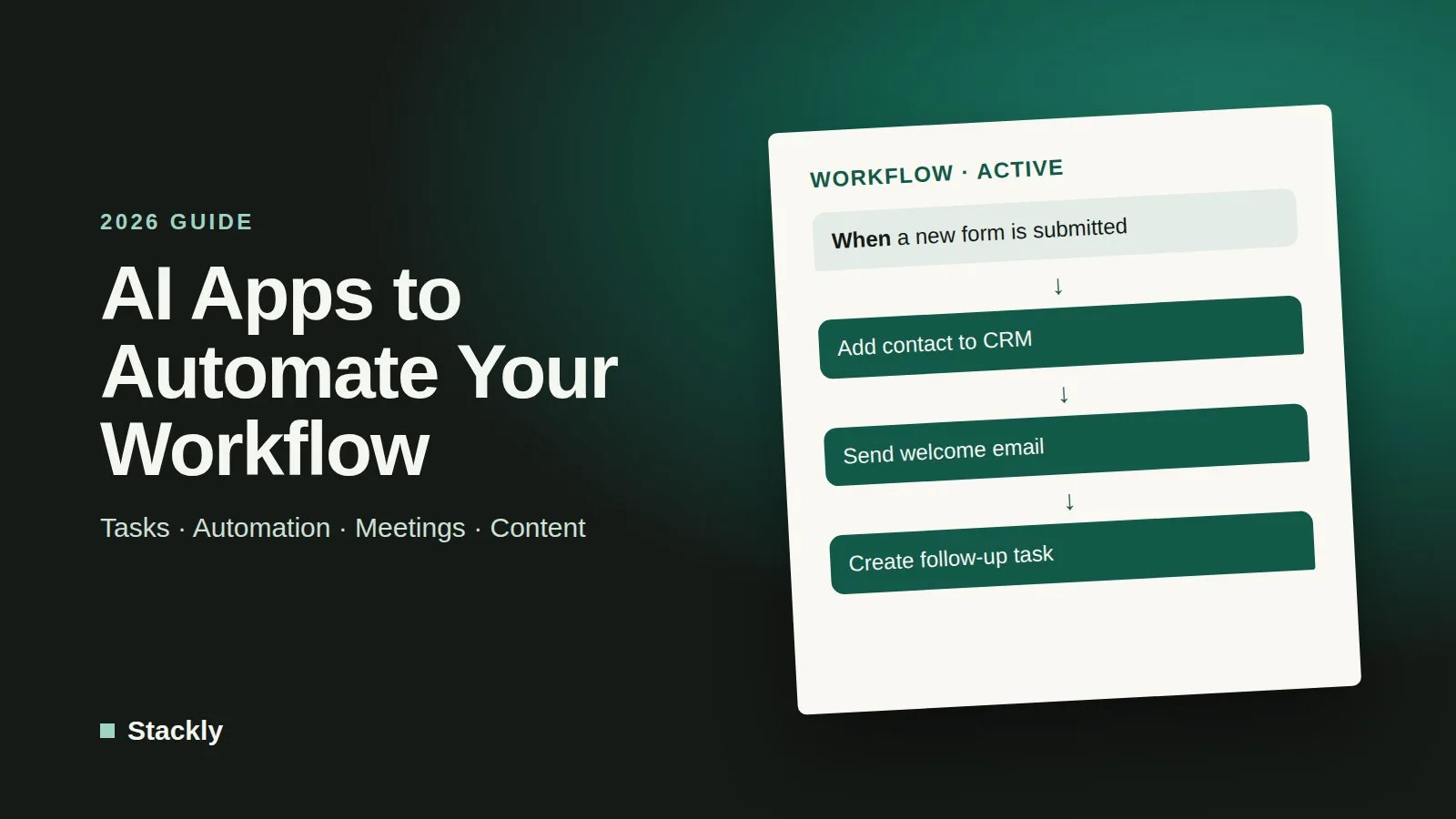
Automation platforms are where the biggest time savings usually come from. They work on a simple idea: a trigger in one app starts one or more actions in other apps. For example, “when a new order arrives” (trigger) can “add the customer to my email list, create an invoice, and post a message to my team chat” (actions).
The leading platforms support thousands of apps, including email, calendars, spreadsheets, accounting software, CRMs, and online stores. Many now include AI steps that can classify incoming messages, extract details from documents, or draft a reply before a human approves it.
Useful automations for small businesses include:
Saving email attachments, such as invoices and receipts, to a shared cloud folder automatically.
Adding new website form submissions to your CRM and sending a welcome email.
Creating a task in your project manager when a client emails a specific address or uses a keyword.
Sending new online orders to your accounting software so records stay up to date.
Posting a weekly summary of sales or new leads to your team chat.
Reminding clients about unpaid invoices on a set schedule.
Meetings create a steady stream of small tasks: someone has to write notes, record decisions, and remember who agreed to do what. AI meeting assistants join your video calls, or work from a recording, to produce a transcript, a concise summary, and a list of action items. Many can send those notes to your task manager or CRM automatically.
For client-facing work, this means you can focus on the conversation instead of typing, and still have an accurate record afterwards. Built-in assistants in the major video platforms are often the easiest place to start, since they require no extra app, while standalone tools usually offer more search, sharing, and integration features.
There are important cautions. Always tell participants when a meeting is being recorded or transcribed, and check the consent rules that apply where you and your clients are located, since some jurisdictions require every participant to agree. Review summaries before sharing them, because AI can misattribute statements or miss nuance, and be careful about recording confidential conversations with third-party tools.
Content Generation: Drafts in Minutes
AI content tools help with the writing that surrounds almost every business task: replying to emails, drafting proposals, writing product descriptions, summarizing documents, and repurposing a blog post into social media updates. Used well, they turn a 30-minute writing job into a 5-minute editing job.
The key is to treat the output as a first draft. AI assistants can state incorrect facts or produce generic text, so check important details and adjust the tone to sound like you. Our comparison of the best AI writing tools covers the strengths and limitations of the main options in detail. If customer questions take up a large share of your writing time, an AI chatbot for customer service may save even more time than a writing assistant.
Pricing: What to Expect
Most AI productivity apps use a freemium model: a free plan that is useful for individuals, and paid plans that unlock AI features, higher limits, and team collaboration.
Task management apps commonly offer free plans for individuals or small teams, with paid plans priced per user per month. AI features are often limited to higher tiers or sold as an add-on.
Automation platforms usually price by usage, meaning the number of tasks or operations your workflows run each month. Free plans are fine for testing a few simple workflows, but busy businesses can outgrow them quickly.
Meeting assistants typically offer a limited number of transcription minutes or meetings for free, with unlimited use on paid plans. AI note-taking built into video platforms may already be included in a business subscription.
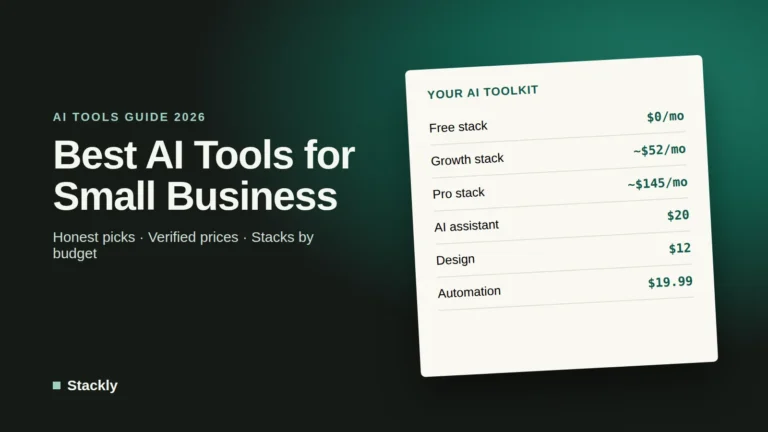
General AI assistants generally offer a free tier and an individual paid plan of roughly $20 per month, with team plans costing more per user.
Prices and plan limits change often, so check each vendor’s current pricing page. A sensible approach is to start on free plans, measure how much time each tool actually saves, and only upgrade the ones that clearly pay for themselves.
How to Build a Simple Automated Workflow
You do not need any coding skills to set up your first automation. Follow these steps with a single, repetitive task.
Step 1: Pick One Repetitive Task
Choose something you do at least a few times a week that follows the same steps every time. Good candidates are copying form submissions into a spreadsheet, filing attachments, or sending a standard follow-up email.
Step 2: Write Down the Steps
List exactly what happens today: where the information comes from, what you do with it, and where it ends up. This becomes your trigger and actions.
Step 3: Choose the Tools
Check that every app involved is supported by your chosen automation platform. Most platforms offer ready-made templates for popular combinations, which is the fastest way to start.
Step 4: Build and Test
Connect your accounts, set the trigger, add the actions, and run a test with real but harmless data. Confirm that each step works as expected before switching the automation on.
Step 5: Monitor and Improve
Check the automation’s history for the first few weeks to catch errors. Once it runs reliably, move on to the next task. Over a few months, a handful of small automations can save several hours every week.
Because automation platforms connect to many of your accounts, protect them carefully: use strong, unique passwords, turn on multi-factor authentication, and remove connections you no longer use. Our security checklist for small businesses covers these basics.
Common Mistakes to Avoid
A few pitfalls catch many first-time users. Automating a broken process only makes the mistakes happen faster, so fix the process first. Adding too many apps at once creates overlapping subscriptions and confusion. Letting automations send messages to customers without review can cause embarrassing errors. Finally, sharing sensitive client data with AI tools without checking their privacy terms can create legal and trust problems; regulators such as the US Federal Trade Commission publish business guidance on artificial intelligence that is worth reading if you use AI with customer data.
Frequently Asked Questions
What is the best free AI productivity app for small businesses?
There is no single best app, because it depends on your biggest time drain. For most people, the most valuable free starting points are a general-purpose AI assistant for writing and a free plan from an automation platform to connect the apps you already use.
Do I need coding skills to automate my workflow?
No. Modern automation platforms use visual builders, templates, and increasingly AI assistants that build a workflow from a plain-language description. Coding is only needed for unusual integrations or very custom logic.
Are AI meeting note-takers legal to use?
Generally yes, but recording and transcription laws vary by country and, in the United States, by state. Always inform participants and obtain consent where required, and check your client contracts for confidentiality terms before recording meetings.
How much time can automation actually save?
It depends on your work, but automating a few tasks that you repeat daily or weekly often saves several hours a month. Measure the time a task takes before and after automating it to see the real benefit.
Is it safe to connect my business accounts to automation tools?
Reputable platforms use secure connections and let you control and revoke access, but each connection is another point of risk. Use multi-factor authentication, grant only the permissions a workflow needs, and review connected apps regularly.
The Bottom Line
The best way to benefit from AI productivity apps is to start small. Pick the one repetitive task that annoys you most, automate it with a free plan, and measure the time you save. Once that workflow runs reliably, add the next one. A few well-chosen tools that work together will do more for your business than a long list of apps you never fully use.
“The goal is not to automate everything” is the line I’d underline. In my experience the trickier part is the middle ground: tasks like saving invoice attachments are easy to hand off, but anything that sends something outward (a client email, a CRM update) is worth a quick human check before it goes. Do you suggest small businesses start with read-only automations first and add write actions later? That ordering seems to build trust faster.
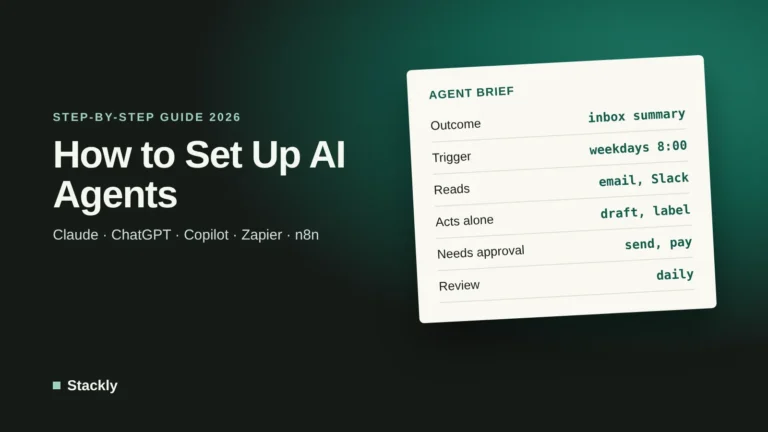
Great point, and yes, that’s exactly the order we’d recommend. Start with read-only or internal automations (filing attachments, summaries, reports) so you can see how accurate the tool is without any risk. Once it has run reliably for a few weeks, add write actions, but keep a human approval step for anything that leaves the business, like client emails or CRM changes. Many tools support this with “draft” or “approve before sending” modes. Over time you can remove the approval for low-risk, repetitive cases while keeping it for anything sensitive. We cover this approach in more detail in our guide on https://stackglade.com/how-to-set-up-ai-agents/.


Leave a Reply