An email address like yourname@gmail.com is fine for personal use, but for a business it quietly costs you trust. Customers are more likely to open, reply to, and remember messages from an address that matches your website, such as hello@yourbusiness.com, and a professional address is far less likely to be mistaken for spam or a scam. The good news is that setting one up is cheaper and easier than most people think. This guide explains what you need, compares the main business email providers and their prices, walks through the setup step by step, and covers the security settings that keep your messages out of spam folders.
Prices are US dollar starting prices checked on official pricing pages in early October 2026. Providers change their plans regularly, so confirm before you buy.
What You Need for a Professional Business Email
A business email address has three parts:
A domain name, such as yourbusiness.com. This usually costs around $10 to $20 per year for a .com. Our complete domain name guide explains how to choose and register one.
An email hosting provider, the service that stores your messages and gives you an inbox, such as Google Workspace, Microsoft 365, or Zoho Mail.
DNS records that connect your domain to the provider. These tell the internet where to deliver email for your domain and prove that messages really come from you.
If you already have a website, you already own a domain, and you only need to add email hosting.
Business Email Providers Compared
Provider
Best for
Free plan
Paid plans from
Mailbox storage
Google Workspace
Teams that like Gmail and Google Docs
No (14-day trial)
$7 per user/month (annual)
30 GB on Business Starter
Microsoft 365
Teams that use Outlook, Word, and Excel
No (trial available)
$7 per user/month (annual)
100 GB on Business Basic
Zoho Mail
Tight budgets and very small teams
Yes, up to 5 users
About $1 per user/month (annual)
5 GB free; more on paid plans
Email from your web host
Solo businesses already on a hosting plan
Often included
Included or a few dollars a month
Varies by host
Google Workspace
Google Workspace gives you Gmail with your own domain, plus Google Calendar, Drive, Docs, Sheets, and Meet. Business Starter costs $7 per user per month on an annual plan or $8.40 on flexible monthly billing, with 30 GB of storage per user, according to EmailToolTester’s pricing breakdown. Business Standard, at $14 per user per month annually, adds 2 TB of storage and expanded Gemini AI features.
Choose it if your team already uses Gmail or Google Docs and you want the most familiar, reliable option.
Microsoft 365
Microsoft 365 Business Basic costs $7 per user per month on annual billing and includes a custom business email address with 100 GB of mailbox storage, plus web and mobile versions of Word, Excel, PowerPoint, and Teams. Business Standard, which adds the desktop Office apps and Copilot, starts at $23.50 per user per month.
Choose it if you work in Outlook and Office documents or exchange many Word and Excel files with clients.
Zoho Mail
Zoho Mail offers a Forever Free plan for up to five users on one domain, with 5 GB of storage per user, which makes it the best free option for a professional address. Its paid Mail Lite plan costs around $12 per user per year, according to Forbes Advisor, and adds more storage and features such as email forwarding and IMAP access for desktop apps.
Choose it if you want a professional address for little or no money and do not need a full office suite.
Email Included With Your Web Hosting
Many web hosts include email accounts with their hosting plans. This can be the cheapest route if you already have hosting, but these mailboxes usually offer less storage, weaker spam filtering, and fewer collaboration tools than dedicated providers. It also ties your email to your host, which complicates switching later. Our guide to choosing web hosting for a small business explains what to look for.
Can You Get a Business Email for Free?
Yes, with limits. Zoho Mail’s free plan lets up to five people use addresses on your own domain at no cost, although you still need to pay for the domain itself. Some web hosting and website builder plans also bundle free mailboxes. What you cannot get for free is a Gmail or Outlook.com address with your own domain: a free Gmail account always ends in @gmail.com, and using your domain with Gmail requires a paid Google Workspace plan.
How to Set Up a Business Email in 6 Steps
Step 1: Register or Locate Your Domain
If you do not own a domain yet, register one with a domain registrar or through your email provider during sign-up. If you have a website, find out where your domain is registered and make sure you can log in to manage its DNS settings.
Step 2: Choose a Provider and Plan
Pick the provider that fits your tools and budget, and decide how many mailboxes you need. Remember that each person usually counts as a paid user.
Step 3: Verify That You Own the Domain
During setup, the provider will ask you to prove ownership, usually by adding a TXT record to your domain’s DNS. Copy the value the provider gives you into your DNS settings exactly as shown.
Step 4: Add the MX Records
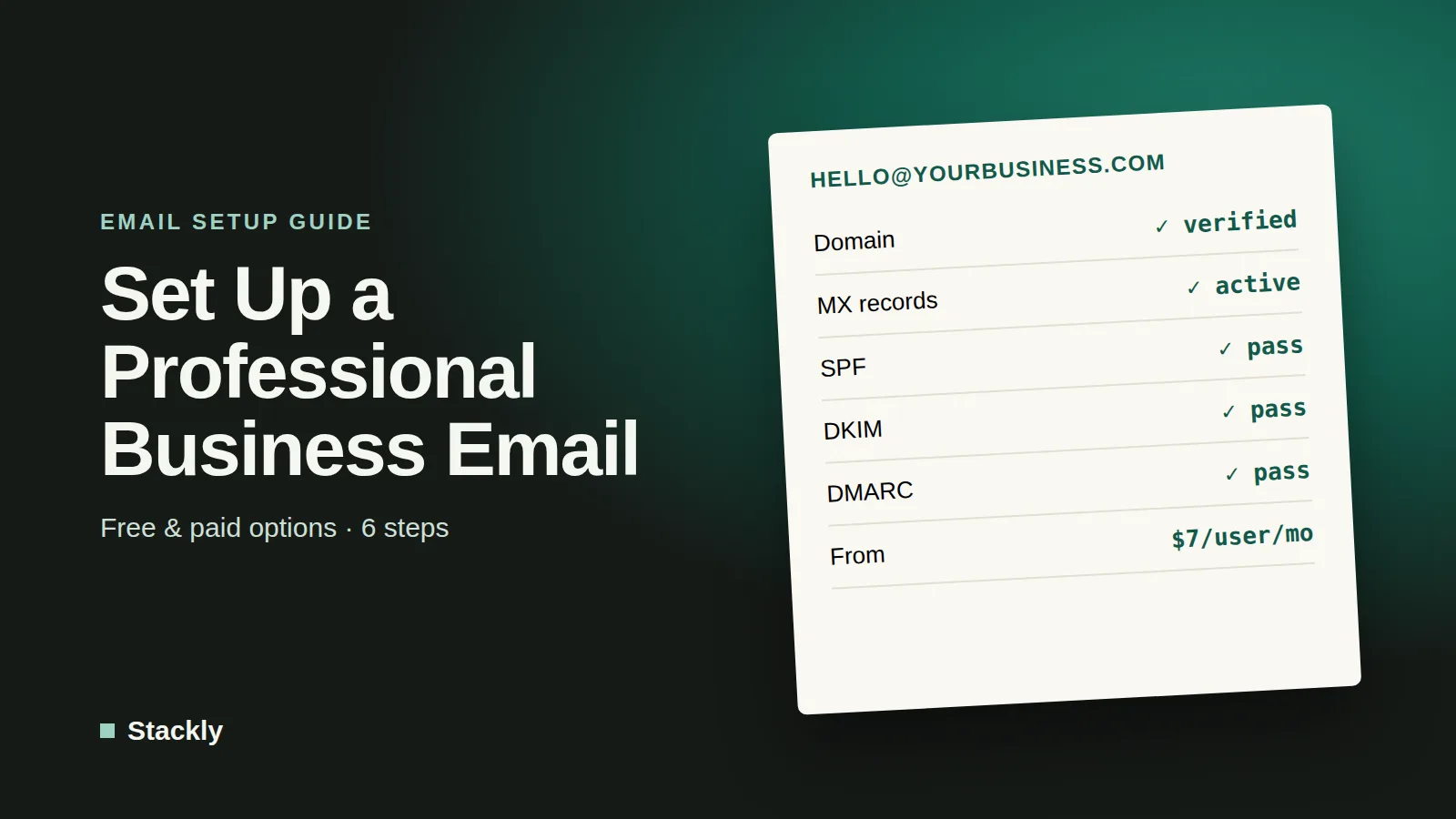
MX (mail exchange) records tell the internet where to deliver email sent to your domain. Your provider will list the exact records to add. Remove any old MX records that point to a previous provider, unless you are migrating and the provider tells you otherwise. DNS changes can take anywhere from a few minutes to 48 hours to take effect.
Step 5: Set Up SPF, DKIM, and DMARC
These three records authenticate your email and are essential for reaching the inbox:
SPF lists the services allowed to send email for your domain.
DKIM adds a digital signature to your messages that receiving servers can check.
DMARC tells receiving servers what to do with messages that fail those checks and sends you reports.
Google requires email senders to authenticate their messages, and its bulk sender rules go further for high-volume senders. Even if you only send a few emails a day, setting up all three records protects your domain from being used by scammers and improves deliverability. Start with a DMARC policy of “none” to monitor results, then tighten it once you are sure all your legitimate email passes.
Step 6: Create Mailboxes and Connect Your Devices
Create an account for each team member, set up shared addresses such as info@ or support@ as groups or aliases, and add the accounts to phones and desktop email apps. Then send test emails to a Gmail and an Outlook address to confirm everything arrives in the inbox.
Choosing the Right Address Format
Keep addresses simple and consistent. Common formats include firstname@yourbusiness.com, firstname.lastname@yourbusiness.com, and role-based addresses such as hello@, info@, sales@, or support@. Role-based addresses are useful because they can be passed to a new person when staff change, and they keep personal inboxes cleaner. Avoid hyphens, numbers, and long or hard-to-spell names that customers might mistype.
Keep Your Business Email Secure
Email accounts are a favorite target for attackers, because access to your inbox can unlock password resets for everything else. Protect every mailbox with these basics:
Turn on multi-factor authentication for all users. All the major providers support it.
Your business email provider is for everyday one-to-one communication. If you plan to send newsletters or promotions to many customers, use a dedicated email marketing platform instead, which handles unsubscribes, list management, and sending reputation. Our guide to the best email marketing software for small businesses explains the options. Sending bulk marketing from your regular business mailbox risks getting your domain flagged as spam.
Frequently Asked Questions
Can I set up a business email for free?
Yes. Zoho Mail’s Forever Free plan supports up to five users on your own domain, and some hosting plans include free mailboxes. You will still need to pay for a domain name, which typically costs around $10 to $20 per year.
How do I create a business Gmail account?
You need a Google Workspace subscription, which starts at $7 per user per month on an annual plan. During sign-up, you connect your domain, verify ownership, and add Google’s MX records. A free Gmail account cannot use your own domain.
Is Google Workspace or Microsoft 365 better for business email?
Both are excellent and start at similar prices. Google Workspace suits teams that prefer Gmail and Google Docs, while Microsoft 365 suits teams that rely on Outlook, Word, and Excel. Microsoft’s entry plan includes more mailbox storage.
How long does it take to set up a business email?
The setup itself usually takes under an hour. DNS changes, such as MX and verification records, can take from a few minutes up to 48 hours to fully take effect.
Do I need a website to have a business email?
No. You only need a domain name and an email hosting provider. However, having both a matching website and email address makes your business look more established and trustworthy.
The Bottom Line
A professional business email is one of the cheapest ways to make a small business look credible. Register a domain, choose Google Workspace or Microsoft 365 if you want a full office suite, or Zoho Mail if you want to start for free, then add your MX, SPF, DKIM, and DMARC records and turn on multi-factor authentication. An hour of setup gives you an address customers trust and emails that actually reach their inbox.



Leave a Reply