You can build a website for your business without spending a cent, and for some businesses a free website is a perfectly sensible starting point. But “free” always comes with trade-offs, such as a web address that includes someone else’s brand, ads you cannot remove, or limited features. This guide explains the best ways to make a free business website in 2026, what each option really includes, the limitations to watch for, and the point at which spending a little money makes sense.
Plans and prices were checked on official websites in early October 2026. Website builders change their plans regularly, so confirm the details before you start.
Can You Really Make a Business Website for Free?
Yes. Several reputable website builders let you design and publish a website at no cost. However, almost all free plans share three limitations:
A subdomain instead of your own domain. Your address looks like yourbusiness.wixsite.com instead of yourbusiness.com.
Branding or ads. The platform usually shows its own logo, banner, or ads on your site.
Limited features. Free plans typically restrict storage, online selling, and advanced tools.
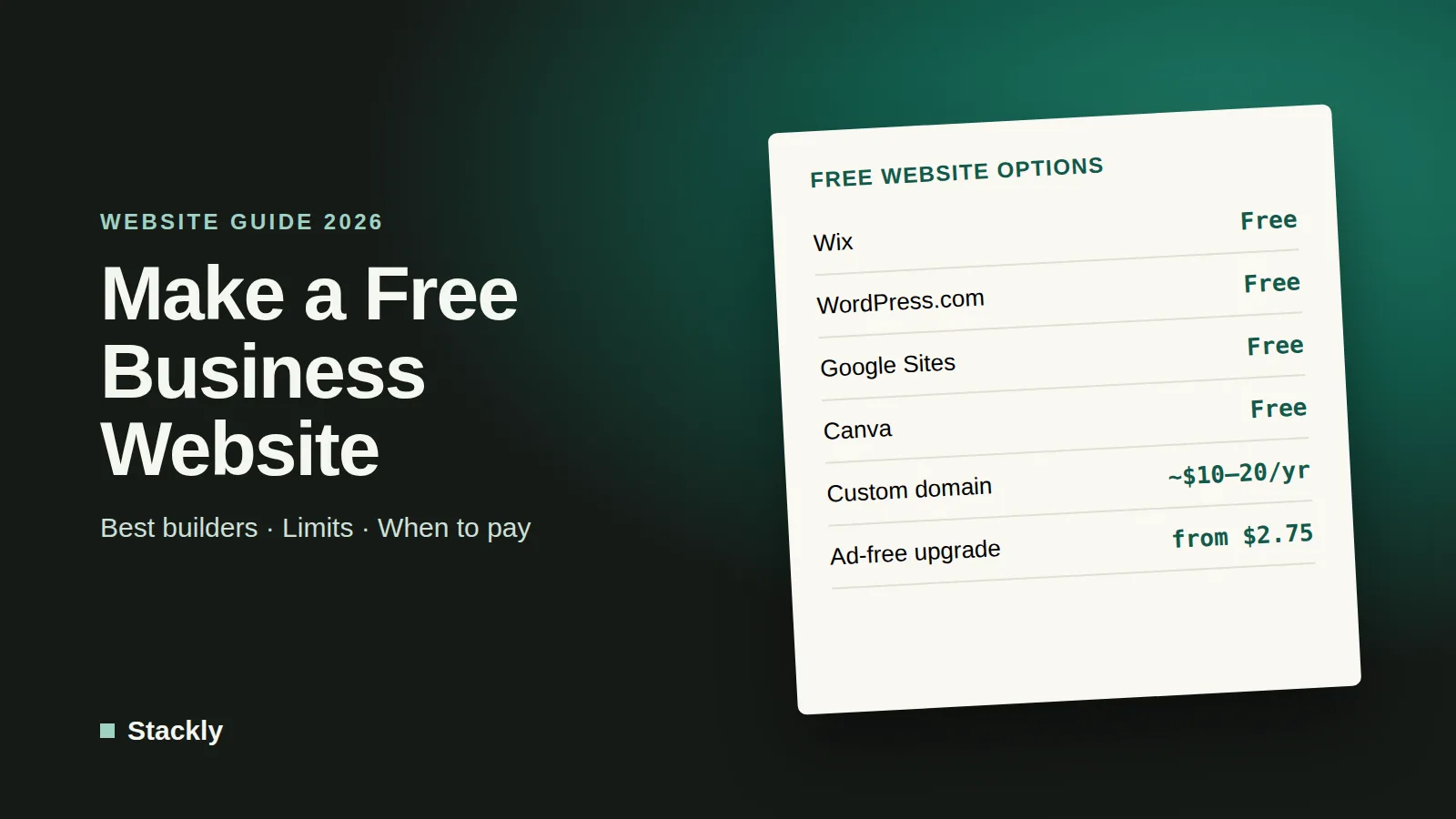
A 100% free website is possible, but a site with your own domain name will cost at least the price of the domain, typically around $10 to $20 per year.
The Best Free Website Builders for Small Business
Builder
Free plan includes
Main limitations
Cheapest paid upgrade
Wix
Drag-and-drop editor, templates, hosting
Wix subdomain and Wix branding
Light plan, $17.77/month (annual)
WordPress.com
Unlimited pages and posts, 1 GB storage
Subdomain, ads shown to visitors, no plugins
Personal plan, from $2.75/month (3-year plan)
Google Sites
Simple editor, no ads, Google integration
Basic design, limited features
Custom domain requires a domain and setup
Canva
Website design from Canva templates
Simple one-page style sites
Custom domain through Canva or your own domain
Wix
Wix offers one of the most capable free plans, with a flexible drag-and-drop editor, hundreds of templates, and hosting included. The free site uses an address like username.wixsite.com/sitename and displays Wix branding. To connect your own domain and remove the branding, the Light plan costs $17.77 per month billed annually.
Best for: Businesses that want a polished design and may upgrade later.
WordPress.com
WordPress.com is the hosted version of WordPress. Its free plan includes unlimited pages and 1 GB of storage, but uses a WordPress.com subdomain, shows ads to visitors, and does not allow plugins. The Personal plan, from $2.75 per month on a three-year plan or $9 on monthly billing, adds a custom domain free for the first year and removes ads. Note that WordPress.com is different from self-hosted WordPress; our guide to website builders vs WordPress explains the difference.
Best for: Blogs and content-focused sites that may grow over time.
Google Sites
Google Sites is completely free with a Google account, shows no ads, and is very easy to use. Its designs are basic and it lacks features such as online stores or advanced SEO controls, but it works well for a simple information page. You can connect a custom domain to a published Google Site, although you need to own a domain and verify it.
Best for: Very simple sites, such as a page with your services, hours, and contact details.
Canva Websites
Canva lets you turn its design templates into simple websites, which is convenient if you already use Canva for social media graphics. It suits one-page sites, portfolios, and event pages rather than larger business websites.
Best for: One-page sites that match your existing Canva designs.
What About a Free Google Business Website?
Google used to let businesses create a simple website from their Google Business Profile, but Google shut down those websites in March 2024. Your Google Business Profile itself is still free and very important for local search, so keep it updated with your hours, photos, and reviews, and link it to a website built with one of the tools above.
How to Make a Free Business Website in 7 Steps
Define the purpose. Decide what visitors should do: call you, book an appointment, request a quote, or visit your shop.
Choose a builder. Use the table above to pick the tool that fits your needs. Wix suits most small businesses, Google Sites suits the simplest pages.
Pick a template. Choose one designed for your type of business, such as a restaurant, salon, consultant, or contractor.
Write clear content. Include what you do, who you serve, where you are, your prices or price ranges if possible, and how to contact you. AI assistants can help with drafts; see our guide to the best AI writing tools.
Add essential pages. At minimum: Home, Services or Products, About, and Contact. Add a simple privacy policy if you collect any information through forms.
Optimize for search and mobile. Add a page title and description for each page, use your city and services in headings, compress images, and check the site on your phone.
Publish and connect it everywhere. Add the link to your Google Business Profile, social media profiles, and email signature.
Free vs Paid: When Is It Worth Upgrading?
A free website is a great way to start, but upgrading becomes worthwhile when:
You want to look established. A custom domain such as yourbusiness.com looks far more professional and is easier for customers to remember than a long subdomain.
You want a professional email address. A matching domain lets you use addresses like hello@yourbusiness.com; our guide to setting up a business email explains how.
You want to sell online. Free plans rarely include proper e-commerce features or payment processing.
Ads or platform branding hurt your image. Ads for other businesses on your site can send customers elsewhere.
You need more control. Paid plans add more storage, better SEO tools, analytics, and integrations.
For many small businesses, the sweet spot is a low-cost plan that adds a custom domain and removes ads, usually costing between a few dollars and about $20 per month. If you are comparing paid options, our website builder comparison and guide to choosing web hosting can help.
Common Mistakes With Free Websites
Never upgrading the domain. Building a reputation on a subdomain makes it harder to move later, because links and search rankings point to the old address.
Missing contact details. Make your phone number, address, and contact form easy to find on every page.
Ignoring mobile visitors. Most local searches happen on phones, so test every page on a small screen.
Using low-quality images. Blurry or generic photos undermine trust. Use your own photos or well-chosen images, and see our guide to AI image generators for business for custom visuals.
Forgetting security. Use a strong, unique password and multi-factor authentication for your website builder account, as covered in our website security checklist.
Frequently Asked Questions
Can I create my own business website for free?
Yes. Wix, WordPress.com, Google Sites, and Canva all let you build and publish a website for free. The trade-offs are usually a subdomain instead of your own domain, platform branding or ads, and limited features.
Is it possible to make a 100% free website?
Yes, if you accept a subdomain such as yourbusiness.wixsite.com. A website on your own domain name will cost at least the domain registration, which is typically around $10 to $20 per year.
Is Google Sites 100% free?
Yes. Google Sites is free with a Google account and does not show ads. Using a custom domain requires owning a domain, which you need to buy separately.
Is the Google Business Profile website still available?
No. Google shut down websites created through Google Business Profiles in March 2024. Your Business Profile itself is still free and important for local search, and you can link it to a website made with another builder.
What is the best free website builder for a small business?
Wix offers the most capable free plan for most small businesses, with a flexible editor and professional templates. Google Sites is the simplest option for a basic, ad-free information page, and WordPress.com suits content-focused sites.
The Bottom Line
A free website is a smart way to get your business online quickly and test what you need. Start with Wix for the most flexible free design, Google Sites for a simple ad-free page, or WordPress.com for a blog-style site. Once customers start finding you, invest in a custom domain and an ad-free plan, because a professional address is one of the cheapest ways to make a small business look established.

Leave a Reply